Choose checkout

Pick the product you want to open. You will continue on our partner checkout.

Official Valheim game artwork: two Vikings on a grassy overlook facing a misty valley, snow-capped mountains, and the Valheim logo

Valheim Cheats

Valheim has a way of turning a simple trip into an entire expedition. You leave the base looking for a few resources, spot something interesting on the horizon, and suddenly the evening is spent exploring another stretch of the map. A little more information can make those journeys feel much more focused.

Valheimcheats.org brings the key details together in one place: the Valheim ESP feature set, the available access plans, and the Windows setup used for supported builds. Explore the features below, then visit the dedicated pages for a closer look at individual tools and requirements.
Product interface

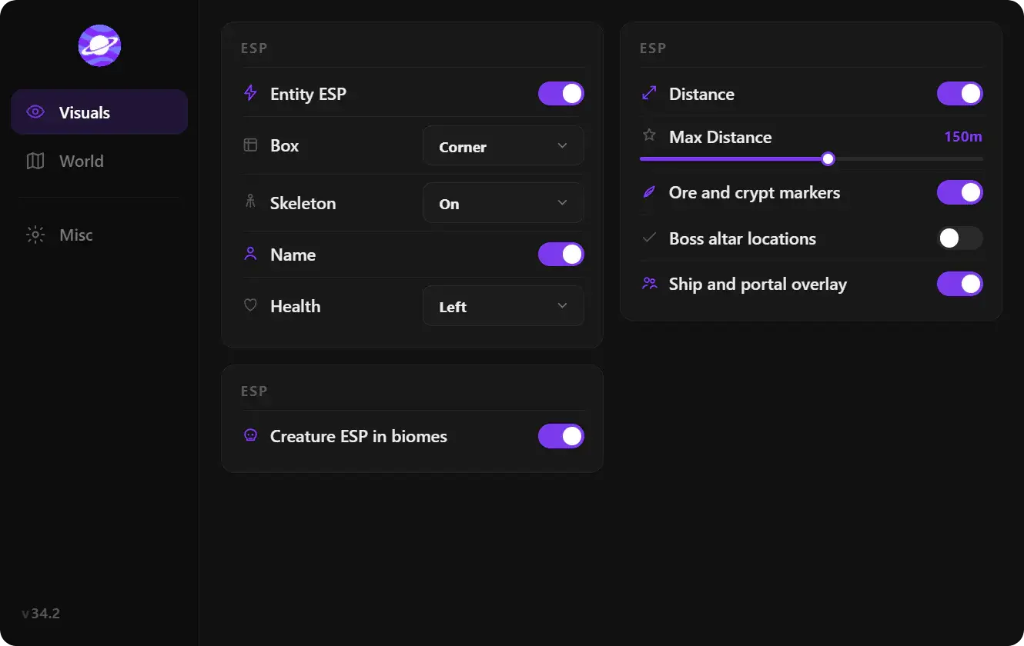
Screenshots of the Valheim client menu from the supported build. Exact labels and layout may change with updates.

Valheim cheat client Visuals tab showing entity ESP options, creature ESP in biomes, distance slider, and ore and ship overlay toggles
Visuals — entity ESP, creature ESP, markers, and overlay options
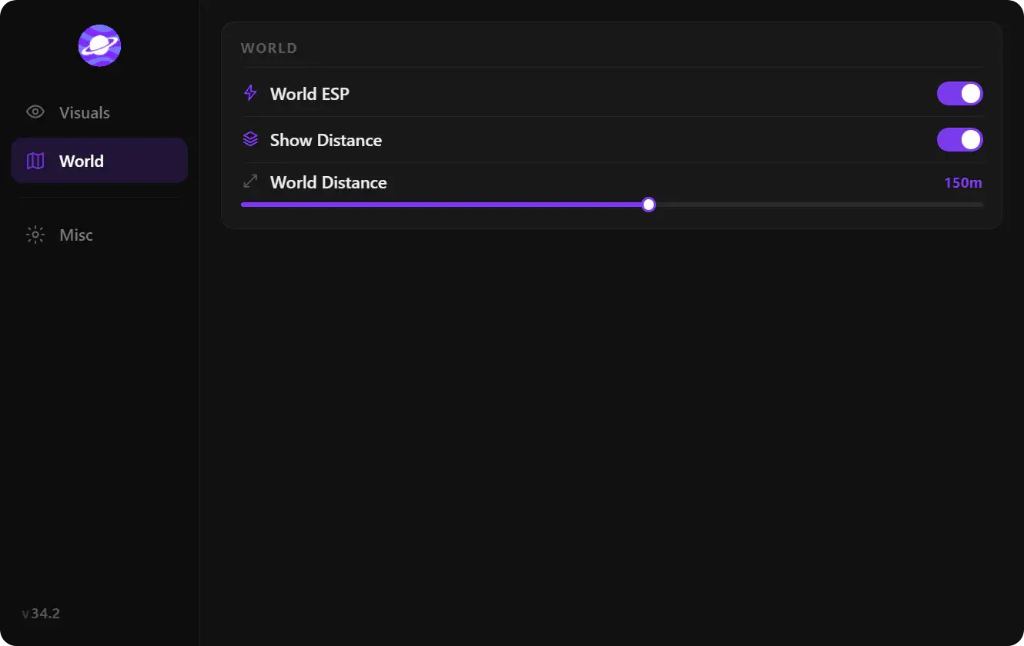
Valheim cheat client World tab showing World ESP, Show Distance on, and World Distance slider at 150 meters
World — world ESP and distance settings
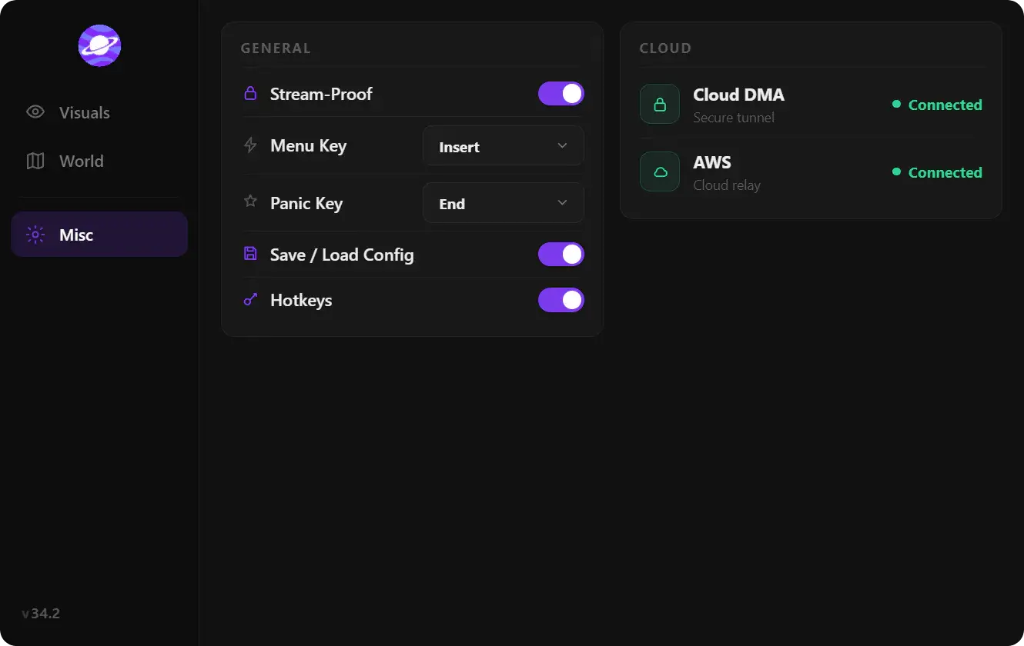
Valheim cheat client Misc tab with stream-proof toggle, menu keys, and Cloud DMA and AWS connection status
Misc — stream-proof mode and cloud connection status

A More Informative Way to Explore Valheim

The appeal of Valheim is its sense of discovery. Forest paths lead to new resources, coastlines open into unfamiliar waters, and every biome has its own landmarks and challenges. The Valheim cheats experience featured here is built around visual information, helping make important points of interest easier to identify while you play.

Instead of treating every feature as a separate destination, the product brings several useful ESP categories into one interface. That gives the experience a clear focus: see the information that matters to your current expedition and keep your attention on the world around you.

Explore the Valheim ESP Feature Set

The feature set covers players, ore, bosses, ships, and creatures. Each category has a different role in Valheim, from keeping track of activity nearby to making resource runs and journeys across the water easier to plan. The stream-proof overlay is another part of the package, with a display mode designed to keep ESP markers and menus out of OBS, Streamlabs, and most capture tools.

For a closer breakdown of each category, visit the dedicated Valheim ESP page. It explains the player, resource, boss, ship, and creature markers in more detail and gives you a single place to review the available features.

  • Player ESP — A visual overview focused on player markers.
  • Ore ESP — A resource-focused view for ore locations.
  • Boss ESP — Markers centered on Valheim boss encounters.
  • Ship and creature ESP — Additional visibility categories for travel and exploration.
  • Stream-proof overlay — A display mode designed for common capture and streaming tools.

Designed Around a Windows PC Setup

The Valheim product supports Windows 10 and Windows 11. The listed system requirements include a dedicated graphics card and at least 8 GB of RAM, together with HVCI, Core Isolation, TPM, and Secure Boot enabled. Full functionality on supported builds uses the Cloud DMA setup.

Cloud DMA is configured around one Windows PC and a Hyper-V-based virtual environment on that same machine. It is not a second-computer setup. The technical guide covers the Windows edition, virtualization, memory, and additional components involved, so you can review the full configuration before getting started.

Choose the Details You Want to Explore Next

Some players arrive looking for a specific feature. Others want to compare the monthly and lifetime plans or understand the technical setup first. The pages below are organized around those different questions, making it easy to move from a quick overview to the detail you need.

The product page is the best place to explore the full ESP feature list. The pricing page sets out the available access options, while the Cloud DMA guide explains the single-PC configuration. For built-in Valheim commands such as devcommands, god mode, and item spawning, use the separate console guide.

Explore this site

Frequently asked questions

What features are included with the Valheim cheats product?
The listed features are Player ESP, Ore ESP, Boss ESP, Ship ESP, Creature ESP, and a stream-proof overlay. The dedicated Valheim ESP page explains each category.
Which operating systems are supported?
The Valheim product lists support for Windows 10 and Windows 11. It also lists a dedicated GPU, at least 8 GB of RAM, and several Windows security and virtualization requirements.
Is Cloud DMA part of the Valheim setup?
Cloud DMA is required for full functionality on supported builds. Its setup uses a Hyper-V-based environment on a single Windows PC. See the Cloud DMA guide for the full requirements.

Image alt text patterns

Use these as guidance when adding screenshots or feature images to this page.

  • Valheim gameplay showing [verified ESP feature] in [biome]
  • Valheim ESP overview showing [player, ore, boss, ship, or creature marker]
  • Valheim Windows PC gameplay with [verified feature] visible